

Few big changes coming soon, to enchance graphic even more. New version available. 0.1.6
- 07.09.2026r. ver 0.1.6 - Implemented AO, more depth. Configurable in war_live.conf. Fixed shadows and upscaled them.
- 07.09.2026r. ver 0.1.3 - fixed source camera and applying to characters, added FSR sharpening & color restoarion. Configurable in war_sidecar.cfg.
- 15:39 05.09.2026r ver 0.1.1 - removed flickering and wrong pass with open character equipment.
DLSS 5 Neural Rendering in Warhammer Online — with the UI left untouched (community beta)
TL;DR: WAR now runs through a modified DXVK that gives NVIDIA's DLSS 5 real motion vectors and depth straight from the game's camera, and puts the neural-rendered frame back under the UI. Chat, hotbars and nameplates stay razor sharp. One zip, one install.bat, launcher as usual. RTX 50xx card required, but should work on older generation, so feel free to test it out.
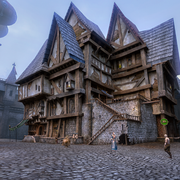
What this is
NVIDIA released DLSS 5 "neural rendering" on 3 September — a neural pass that re-lights and re-shades a finished frame on top of DLAA anti-aliasing. It was never meant for a 2008 Direct3D 9 game. This project makes it work in Return of Reckoning anyway, and does it properly:
- The interface is not touched. The neural pass runs on the 3D scene only; the UI is drawn on top afterwards, exactly as the game draws it. No blurry chat, no smeared tooltips — the usual downside of "run everything through ReShade".
- Real motion vectors, not guessed ones. The wrapper reads the camera matrix from the game's own shaders every frame and computes per-pixel motion from depth and camera reprojection. DLSS gets what a native integration would give it, so turning the camera does not smear the world.
- Sub-pixel jitter, depth, colour — the full set of inputs DLSS expects — are produced inside the D3D9 wrapper and shared with a 64-bit helper through Vulkan.
- Nothing is injected into the game beyond a replacement d3d9.dll (the same mechanism DXVK users already rely on). No memory hooks, no ReShade inside WAR.exe.
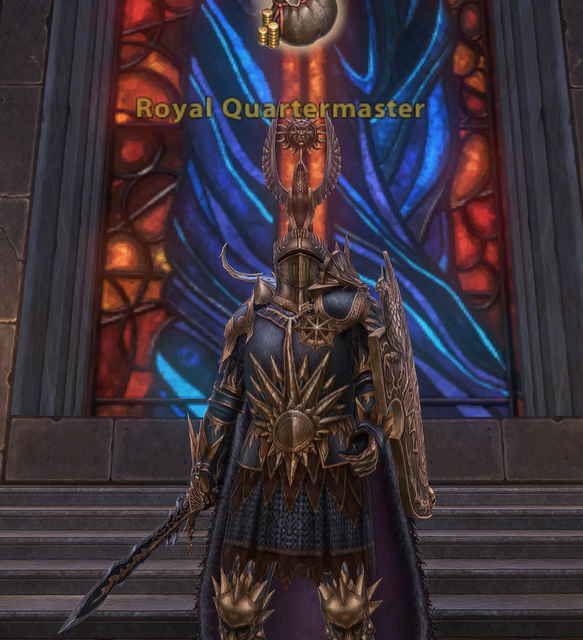
How it works (the short version)
- A fork of DXVK translates the game's Direct3D 9 to Vulkan. It recognises WAR's shaders (a census of the game's shader set), injects Halton jitter into the projection, captures the camera and runs a compute pass that turns depth + camera reprojection into motion vectors.
- A 64-bit helper (war_sidecar.exe) imports those images and drives the open-source DLSS5-Feeder host, which runs DLAA and the RenoDX DLSS 5 neural pass on the GPU.
- The result comes back through shared memory and is presented before the UI is drawn. Round trip: about 10 ms per frame on an RTX 5080 at 3440x1440.
Requirements
- Windows 10/11 64-bit, NVIDIA RTX GPU, driver 616.64 or newer. Verified on RTX 50; the DLSS5-Feeder project reports RTX 20/40 cards working, but I could not test that — reports welcome.
- Three files you must fetch yourself (they cannot be redistributed): renodx-dlss5.addon64 and nvngx_dlssnr.dll from the RenoDX Discord (#DLSS5 channel), and a nvngx_dlss.dll (DLSS Swapper or any DLSS game). The README has the links.
- Not compatible with dgVoodoo2 or ReShade installed in the game folder — the installer moves them aside and the uninstaller puts them back.
- Download WAR-NR-0.1.6-beta.zip and extract it anywhere.
- Put the three files above next to install.bat.
- Run install.bat (game and launcher closed). It finds the game folder, backs up your d3d9.dll and dxvk.conf, copies everything and prints an [ OK ] / [WARN] / [FAIL] report with a fix for every failure.
- Start the game normally, enter the world. After 2–4 seconds the picture switches over.
Tuning
- war_sidecar.cfg in the game folder is re-read while you play. The nr_* keys write the same settings into the helper's ini and restart it automatically (2–3 s without DLSS, the game keeps running). Documented in docs\nr-settings.md.
- Characters and other moving objects currently get the camera's motion vector, not their own, so a running player can show a faint ghost trail. A proper velocity pass for skinned geometry is the next big item. FIXED
- Bright, white-armoured characters can get a halo from the neural pass. Lowering "Structure Intensity" / "Local Tone" in the panel (or nr_local_structure = 1 in the cfg) reduces it. I am still looking for the best default. FIXED
- The frame waits for DLSS, so the round trip is added to every frame (~10 ms). A pipelined mode (one frame of latency instead) is planned.
- The neural look itself is a matter of taste. Implemented color correction 0.0 up to 1 how hard it should work.
This is a rendering wrapper in the DXVK family: it replaces d3d9.dll, reads nothing from the game's memory and sends nothing to the server. Still, it is third-party software — if the RoR team has any objection or wants to look at the sources, I am happy to oblige. Use at your own risk until then.
Credits
- DLSS5-Feeder by Jean-Laurent Rouzies — the 64-bit host and the protocol this project speaks (MIT).
- The RenoDX DLSS 5 add-on by Krish and the RenoDX community — the neural pass.
- DXVK by Philip Rebohle and contributors — the D3D9-to-Vulkan layer this fork is built on (zlib).
- ReShade by Patrick Mours — used only inside the helper as the add-on loader (BSD).
- NVIDIA for DLSS 5.
If you try it, please post: your GPU and driver, resolution, whether the picture switched over, and — if something went wrong — the war_sidecar.log and WAR_d3d9.log from the game folder. Screenshots very welcome, especially before/after pairs and different zones.
Enjoy!
Before:

After:
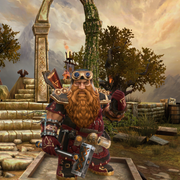
Before:
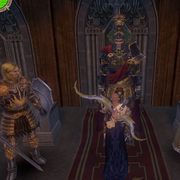
After:
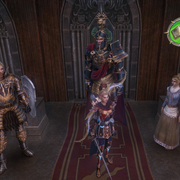
Before:

After:
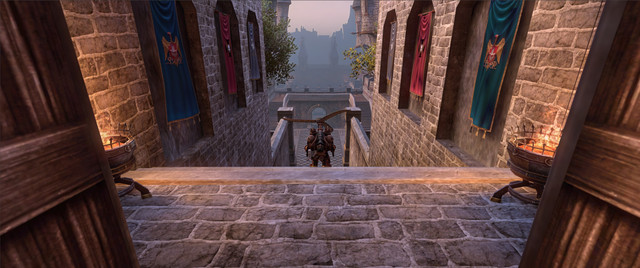
Before:
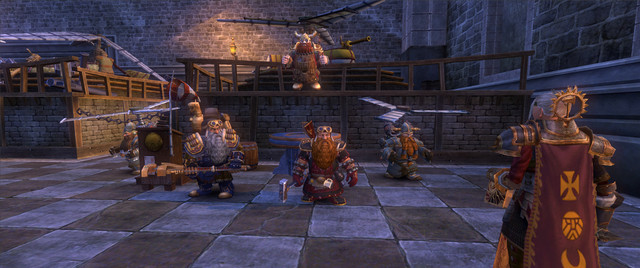
After:
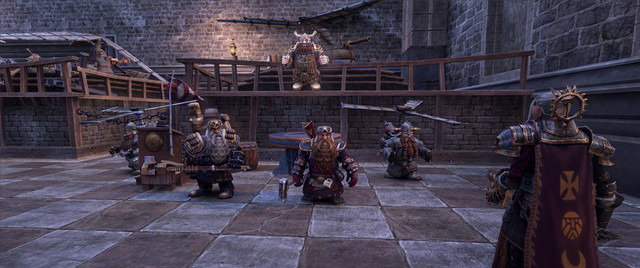
After side conf:

Compare
Before
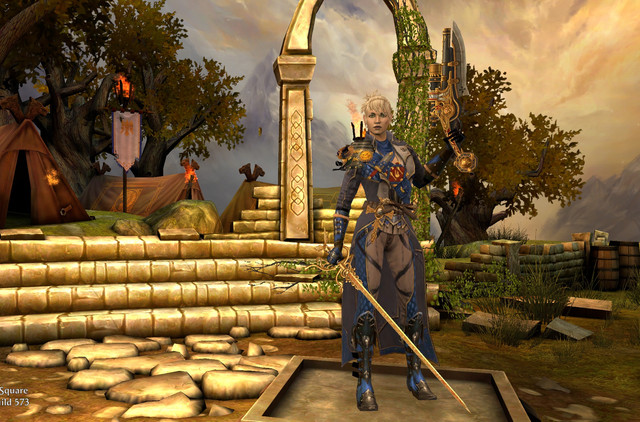
Style 1, color correction off

Style 1, color correction max

Style 2, color correction off

Style 2, color correction max


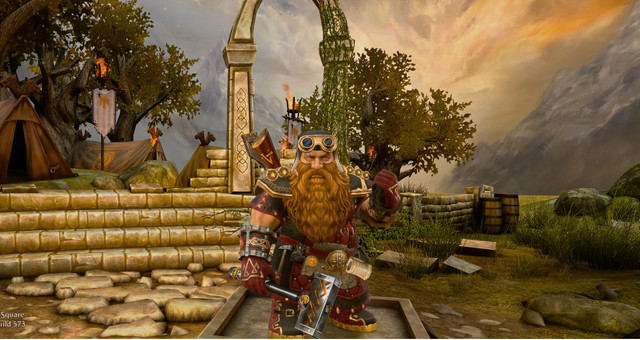
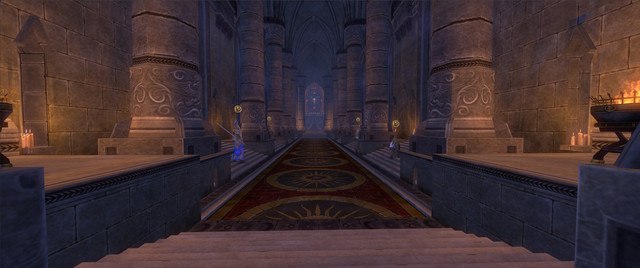

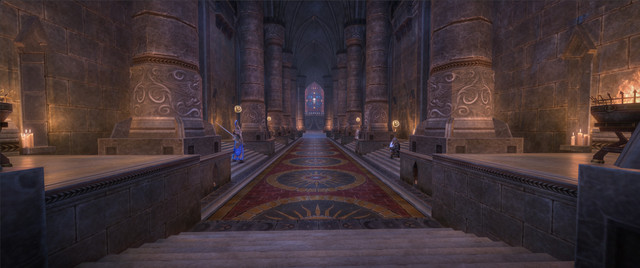
 Saw it in other examples on youtube. Especially you can see it on games like WoW, which naturally has a very warm colors and some stylization. Also all faces (especially females) looks like they beeing alcoholics for years, lol. But again, enviroment textures looks cool, hope they will change this problems with colors one day.